Learning how to download youtube videos in crystal clear 1080p and 4K quality allows creators, educators, and casual viewers to enjoy high-definition media offline without buffering or cellular data charges. In this comprehensive 2026 tutorial, we will walk you through the entire process of retrieving permitted video streams directly to your computer, tablet, or smartphone.
Why Download YouTube Videos for Offline Productivity?
YouTube hosts billions of educational lectures, documentary masterpieces, music videos, and creative coding tutorials. However, streaming high-definition media demands an uninterrupted high-speed internet connection. When you learn how to download youtube videos, you can continue your study or project while traveling, commuting on flights, or working in remote environments.
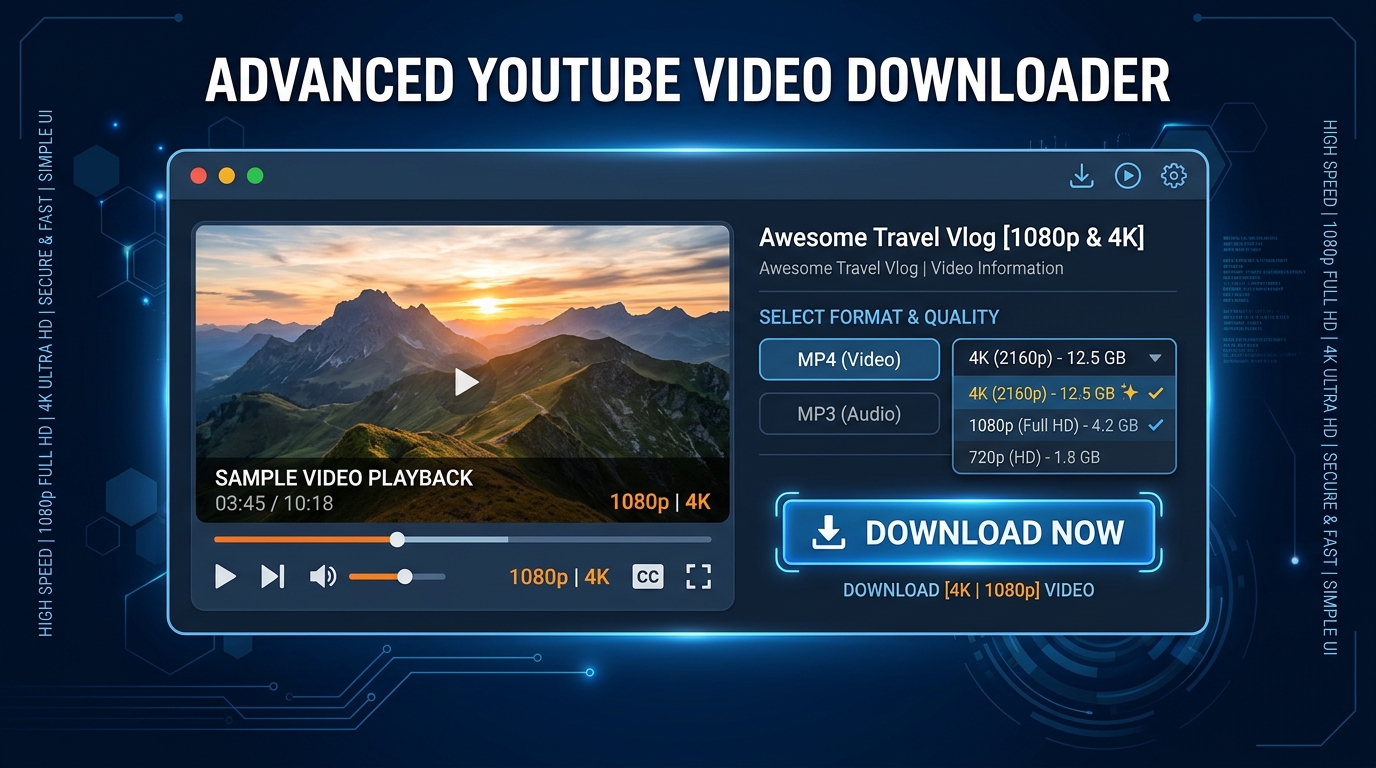
With our specialized YouTube Video Downloader, users can extract permitted public media streams in progressive MP4 formats ranging from 480p standard definition up to 1080p Full HD and 4K Ultra HD. The platform also preserves original audio sync and color profiles without adding annoying watermarks or tracking scripts.
Step-by-Step Instructions: How to Download YouTube Videos
Downloading permitted public media with Media Master requires no third-party desktop installations or browser extensions. Follow these four straightforward steps:
- Copy the Video URL: Open YouTube on your desktop web browser or mobile app. Navigate to the video you want to preserve, click the Share icon, and select "Copy Link". Both regular video URLs and YouTube Shorts links are fully supported.
- Paste into Media Master: Go to the Media Master homepage or our dedicated YouTube Downloader page. Paste the copied link into the central search bar and click "Check Link".
- Select Preferred Resolution: Our server checks the stream instantly and displays all available progressive video resolutions (1080p Full HD, 720p HD, 480p) as well as direct MP3 audio options.
- Save with Signed Download Link: Click the Download button next to your chosen format. A secure, cryptographic temporary download link will stream the file directly to your device storage.
For additional platform-specific instructions on iOS, Android, macOS, and Windows, visit our detailed Step-by-Step Download Guide.
Extracting Audio and Converting Video to MP3
If you only require the audio track for podcasts, commentary, or background music, downloading the full video stream wastes storage space. You can easily convert videos to MP3 in pristine 320kbps bitrate using our built-in audio converter. This reduces file size by up to 90% while maintaining studio clarity.
Digital Rights and Lawful Usage Guidelines
Always respect copyright laws and content creators terms of service. You should only download videos that you personally created, that have been published under Creative Commons licensing, or for which you have acquired express written permission from the copyright holder. Media Master complies strictly with DMCA requirements and never bypasses DRM encryption.
Frequently Asked Questions
Can I download YouTube Shorts as well?
Yes! Our YouTube adapter automatically recognizes and processes both standard video links and vertical YouTube Shorts URLs.
Is any software or extension required?
No software installation is necessary. Media Master operates 100% cloud-based inside your modern web browser.
What is the maximum resolution available?
Our system supports up to 1080p Full HD and 4K Ultra HD depending on the original source upload quality.