Using a reliable video to mp3 converter online allows you to extract speech, educational lectures, audiobooks, and musical performances from video clips into lightweight, universally compatible MP3 files. In this guide, you will learn how to produce crisp 320kbps audio without loss of high-frequency fidelity.
Why 320kbps MP3 is the Gold Standard for Audio Extraction
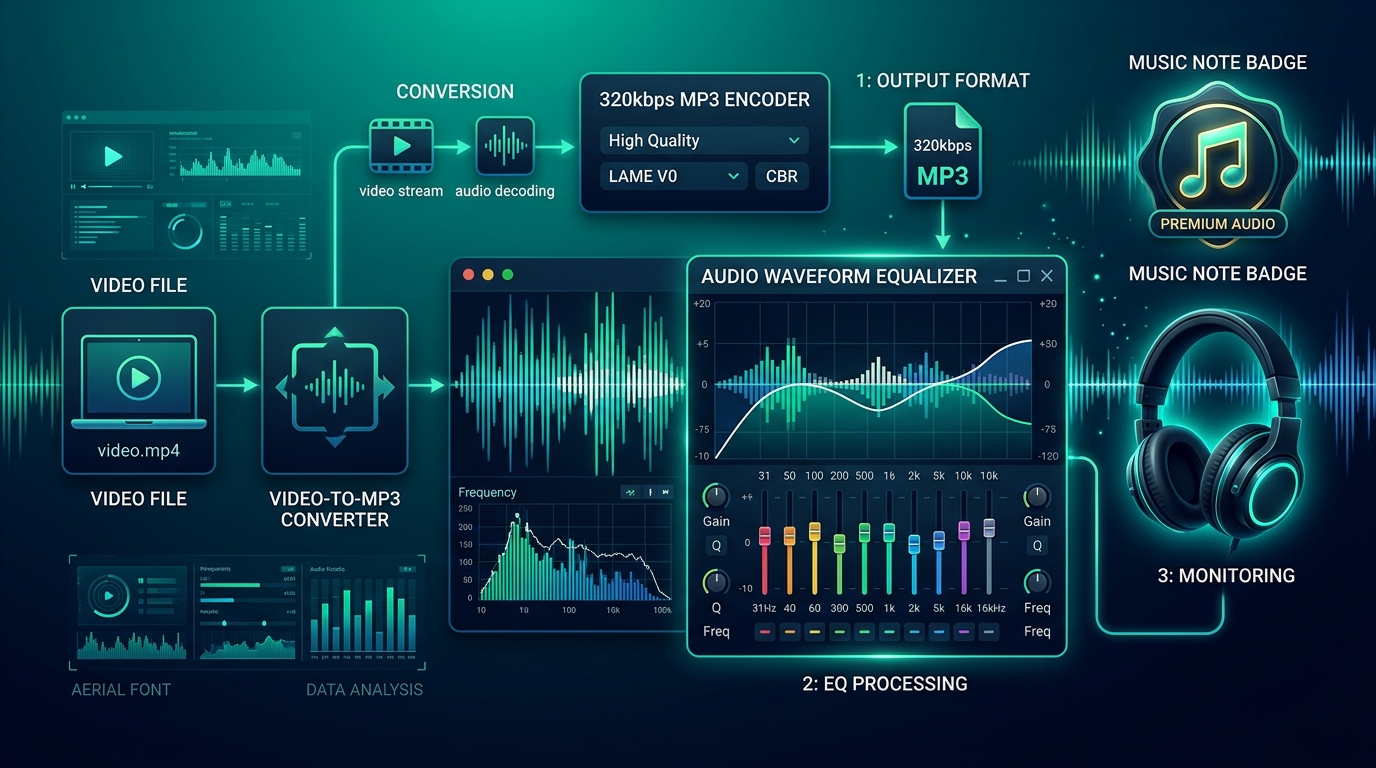
Most basic online converters downgrade audio to 128kbps or 96kbps, causing muffling and loss of dynamic range. When you use our video to mp3 converter online, our conversion pipeline preserves up to 320kbps constant bitrate (CBR), delivering full acoustic depth for audiophile enjoyment.
Our dedicated Video to MP3 Tool is engineered to process links from YouTube, TikTok, Facebook, and direct media files in seconds.
How to Extract MP3 Audio from Videos
- Copy the Video Link: Copy the URL of the video whose audio you wish to extract.
- Open the Audio Tool: Visit our Video to MP3 Converter.
- Process and Convert: Paste your URL into the field. Our system analyzes the audio stream and presents the MP3 format.
- Download Audio: Click Download Audio to save the MP3 track to your music library.
Need to shorten the audio clip afterwards? Use our online video trimmer to cut out silence or unwanted segments.
Frequently Asked Questions
Can I play the MP3 files on my car stereo or iPhone?
Yes, MP3 is the most universally supported audio format in the world, compatible with every media player, smartphone, and sound system.