When working with raw web servers, cloud buckets, or podcast feeds, you often need to download direct mp4 and WebM media streams that do not belong to conventional video portals. Directly opening these links in a web browser often results in unwanted autoplay rather than saving the file. Here is how to download them with guaranteed file saving.
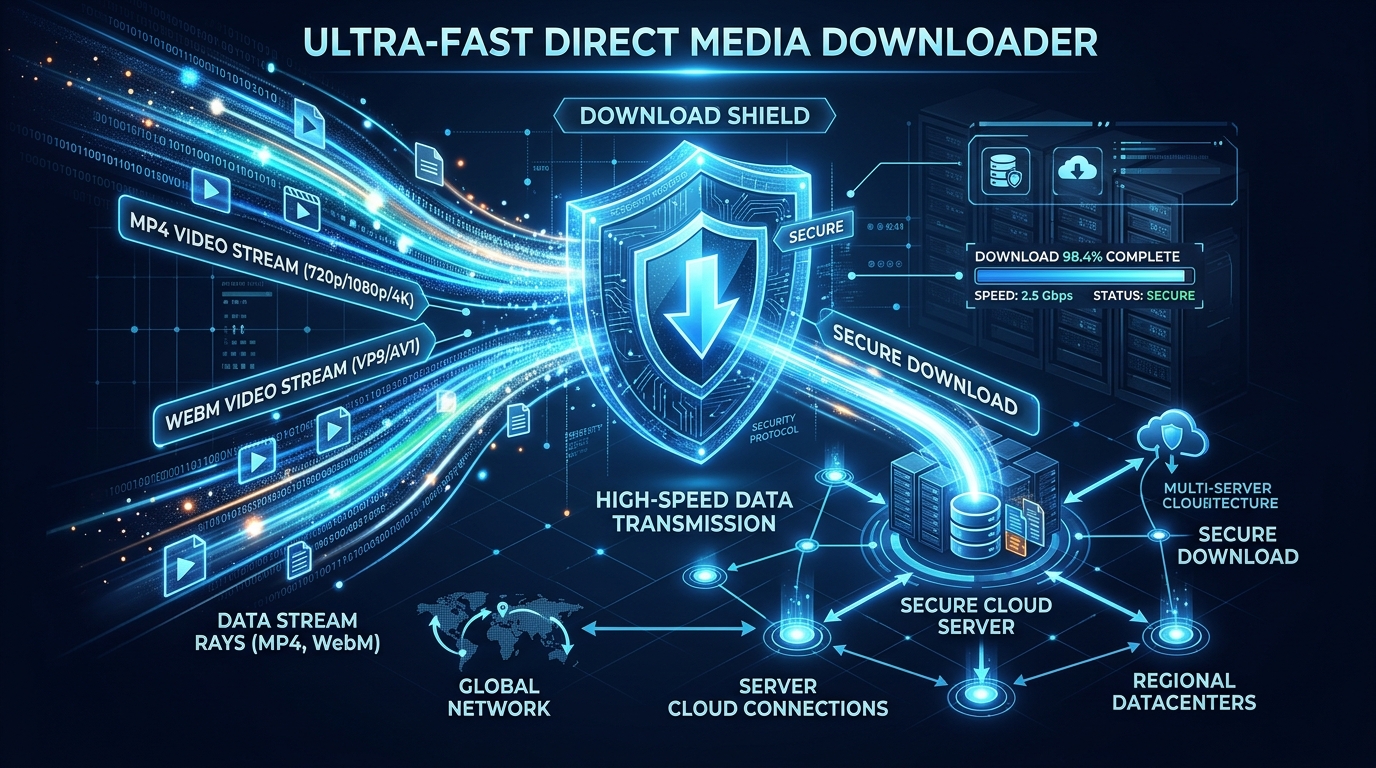
The Technical Challenges of Raw Media Streams
Modern web browsers are configured to stream media via HTML5 player elements instead of prompting a save dialogue. When you download direct mp4 streams using Media Master, our server injects proper Content-Disposition: attachment headers, ensuring the browser saves the exact file with its correct name and extension.
Try our Direct Media Downloader for secure, high-speed delivery of any verified HTTP/HTTPS media asset.
How to Download Direct Files in 3 Simple Steps
- Copy the Media File Link: Right-click the link or copy the URL ending in
.mp4,.webm, or.mp3. - Paste into Media Master: Go to the Direct Media Downloader and enter the URL.
- Download with Signed Token: Click Download to immediately receive the file at maximum network speed.
Learn more about our server-side security measures in our System Security & Status report.
Frequently Asked Questions
Are internal network IP addresses allowed?
No. Our multi-layer SSRF firewall automatically blocks private RFC 1918 addresses and loopback hosts to protect infrastructure integrity.