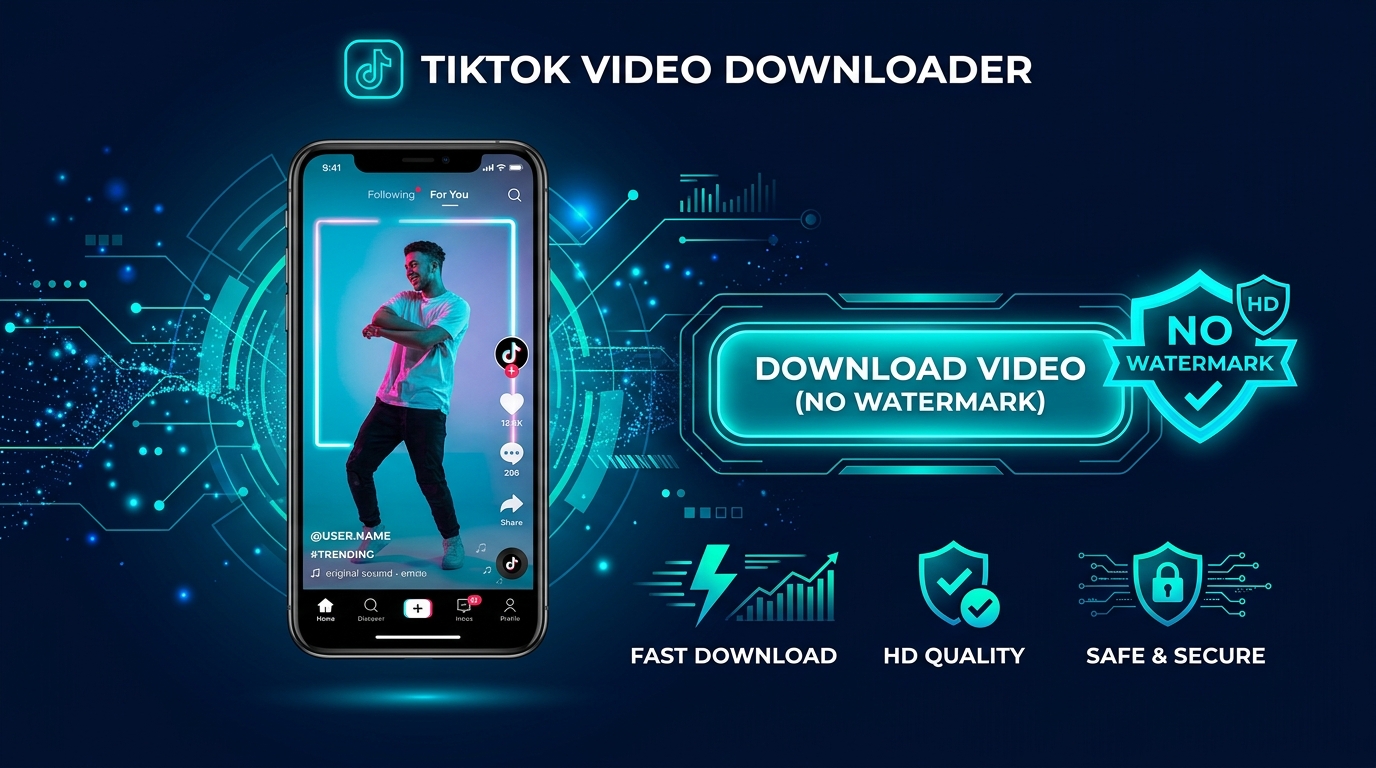
Downloading tiktok videos without watermark has become an essential capability for content creators, choreographers, and social media archivists. The official TikTok app applies a bouncing logo overlay that obscures important visual details. In this step-by-step tutorial, you will discover how to save clean, high-definition MP4 clips in seconds.
Why Creators Need Clean TikTok Media Without Overlays
When you download tiktok videos without watermark, you receive the pure original video stream captured by the creators camera. This clean visual presentation is crucial for portfolio archives, offline dance rehearsals, classroom presentations, and multi-platform backup. Watermark overlays often cover text captions, subtitles, or intricate movements.
Our dedicated TikTok Video Downloader extracts public clips from both short URLs (such as vm.tiktok.com) and desktop links. It isolates the raw media container so you can save high-bitrate MP4 files with crystal clarity.
How to Download TikTok Videos Without Watermark on Any Device
Whether you are on an iPhone running Safari, an Android phone on Chrome, or a desktop computer, the process takes only a few clicks:
- Copy the TikTok Share Link: Open the TikTok application on your smartphone or browse to TikTok on your computer. Tap the "Share" arrow on the right side of the video and select "Copy Link".
- Open Media Master Downloader: Launch the TikTok Video Downloader in your browser.
- Paste and Inspect: Paste the link into the download input box. Our server validates the URL, bypassing tracking parameters automatically.
- Download HD MP4: Choose the "Download MP4 (No Watermark)" button. Your video file will download instantly to your device camera roll or Downloads folder.
Need to extract only the viral audio track? You can quickly route the video into our video to MP3 converter to save background music and trending sounds.
Safety and Privacy Considerations for TikTok Downloads
Media Master respects creator privacy. Private accounts and geo-restricted content cannot be retrieved. Furthermore, we never store user download logs or account information on our servers. Always credit the original creator when referencing or utilizing public clips.
Frequently Asked Questions
Do I need to install a third-party app on my iPhone?
No! Media Master runs directly in Safari on iOS 13+ and saves files straight into your Files app or Photos library.
Does this tool support TikTok Photo Carousel slides?
Yes, our downloader identifies photo slideshows and lets you download individual high-resolution slides.