If you want to save instagram reels with pristine audio clarity and original 1080p resolution, relying on the native app save button often leaves you disappointed because it frequently removes licensed audio. In this tutorial, you will discover the fastest way to save complete reels and video stories for offline viewing.
Why Archiving Instagram Reels is Crucial for Creators
Instagram Reels contain incredible culinary recipes, travel guides, fitness workouts, and artistic inspiration. However, posts can be deleted or muted without warning. When you save instagram reels to your local hard drive or camera roll, you protect valuable educational resources and creative references.
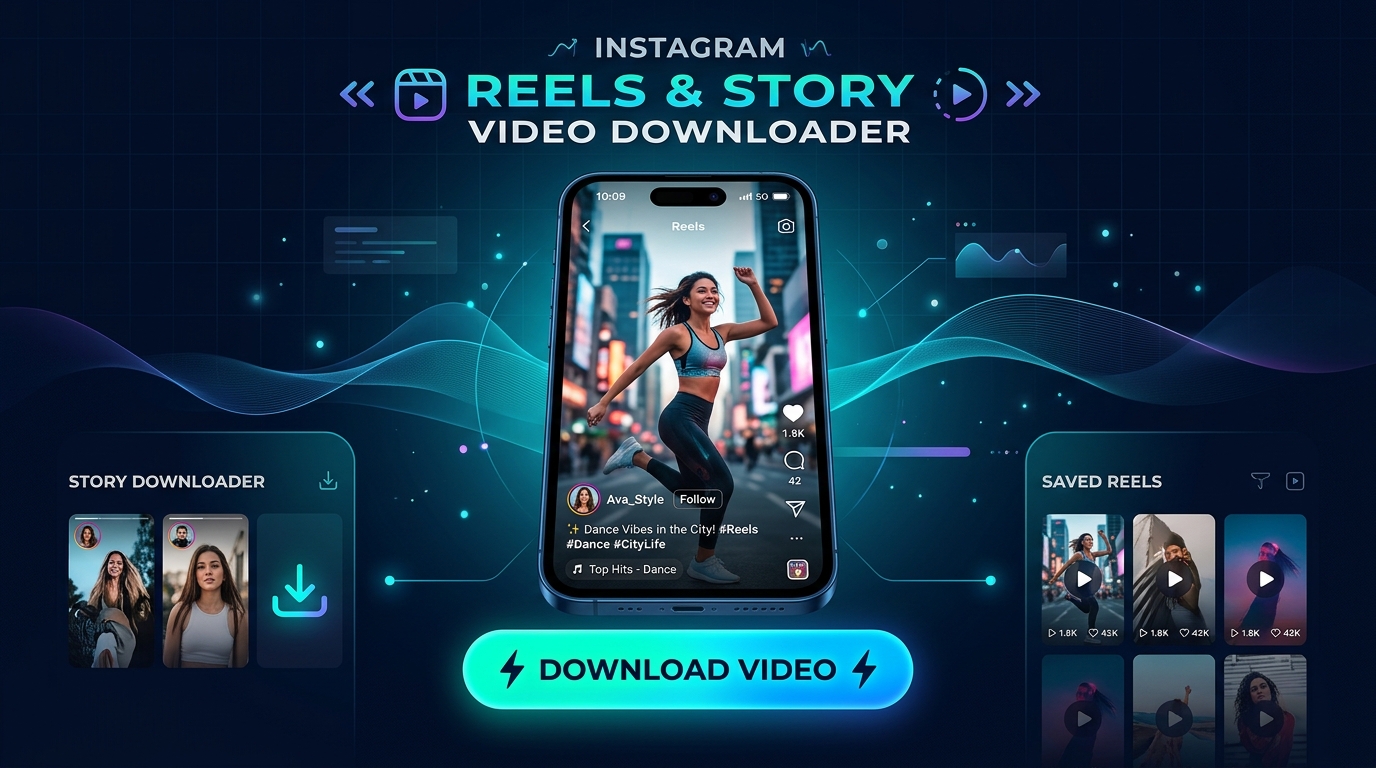
Our dedicated Instagram Video Downloader connects directly to public feeds to fetch the complete MP4 video stream including high-fidelity audio tracks.
Simple 3-Step Guide to Saving Reels on Mobile & PC
- Copy the Reel URL: Tap the paper airplane (Share) icon below any reel on Instagram and select "Copy Link".
- Paste into Media Master: Navigate to our Instagram Downloader. Paste the URL into the input field.
- Download Full HD MP4: Click the Download button. The full 1080x1920 vertical video will be saved to your device.
To cut out unnecessary intro or outro frames, run your downloaded video through our online video trimmer for instant, clean editing.
Frequently Asked Questions
Does this save the reel with background music?
Yes, our downloader retrieves the original muxed audio/video stream so all music and sound effects remain intact.
Is Instagram login required?
No login or password is required. Media Master works anonymously on all public posts.